
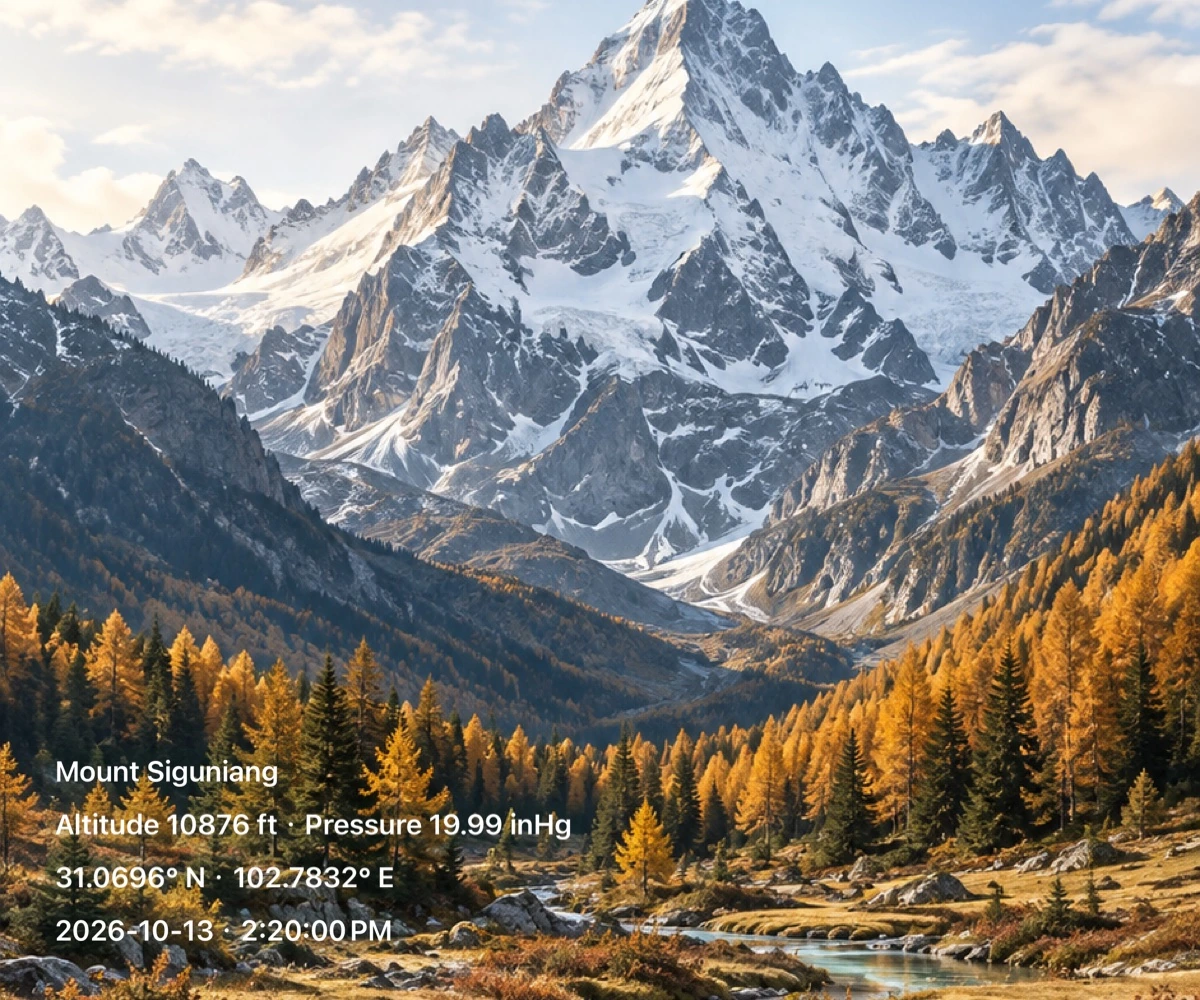
Add the details of the moment
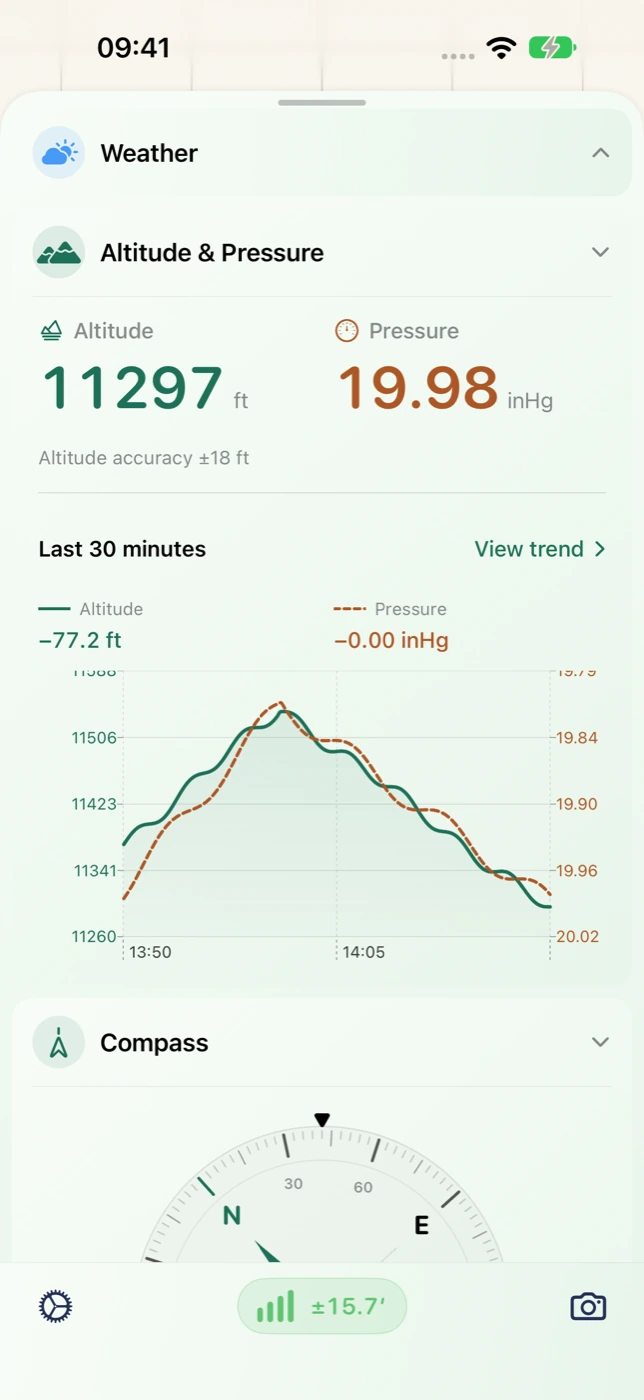
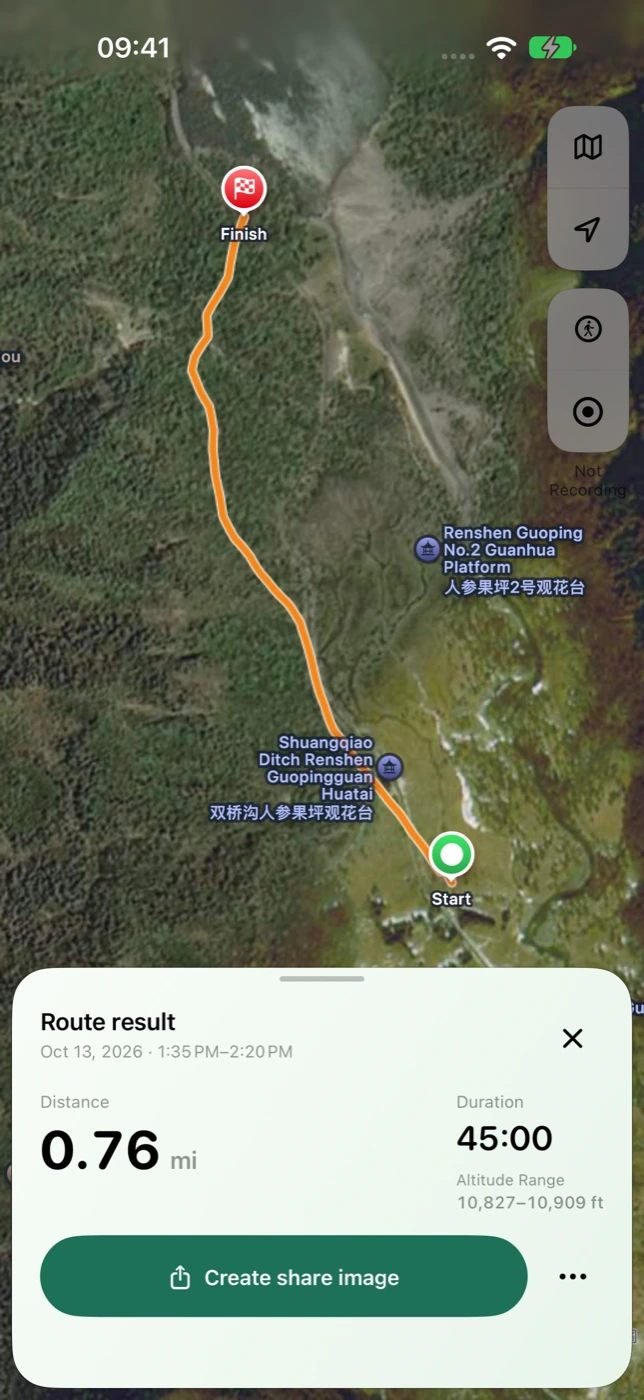
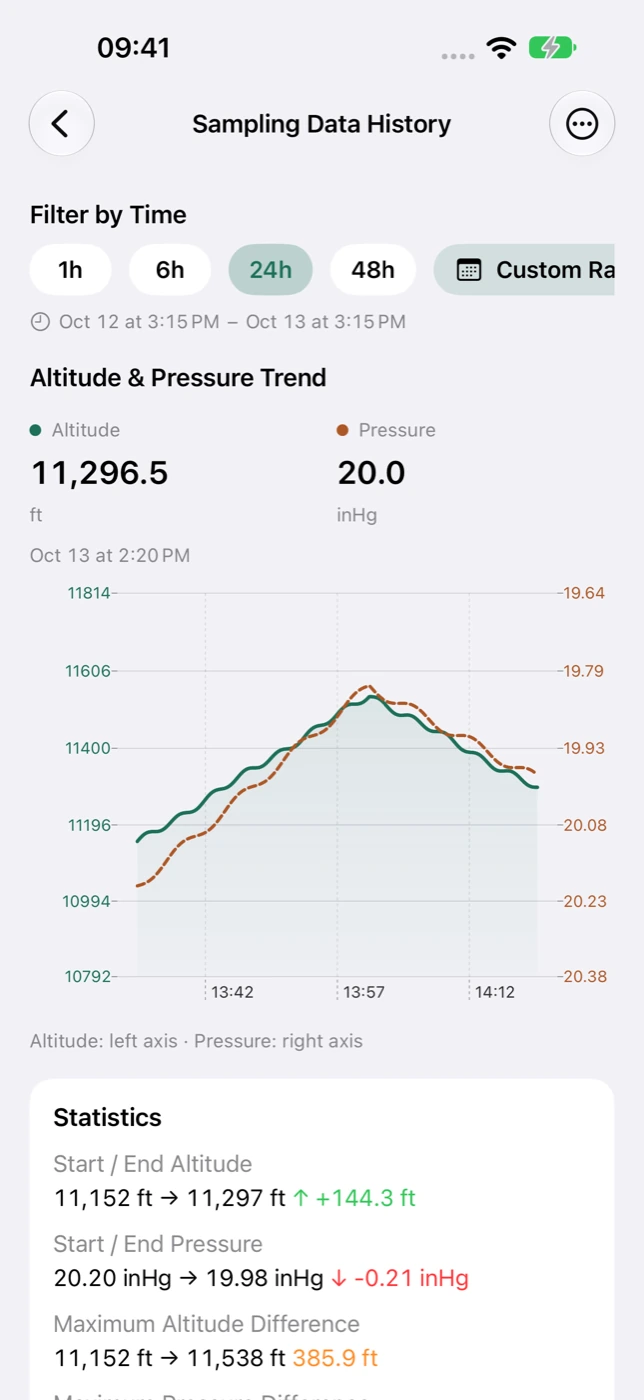
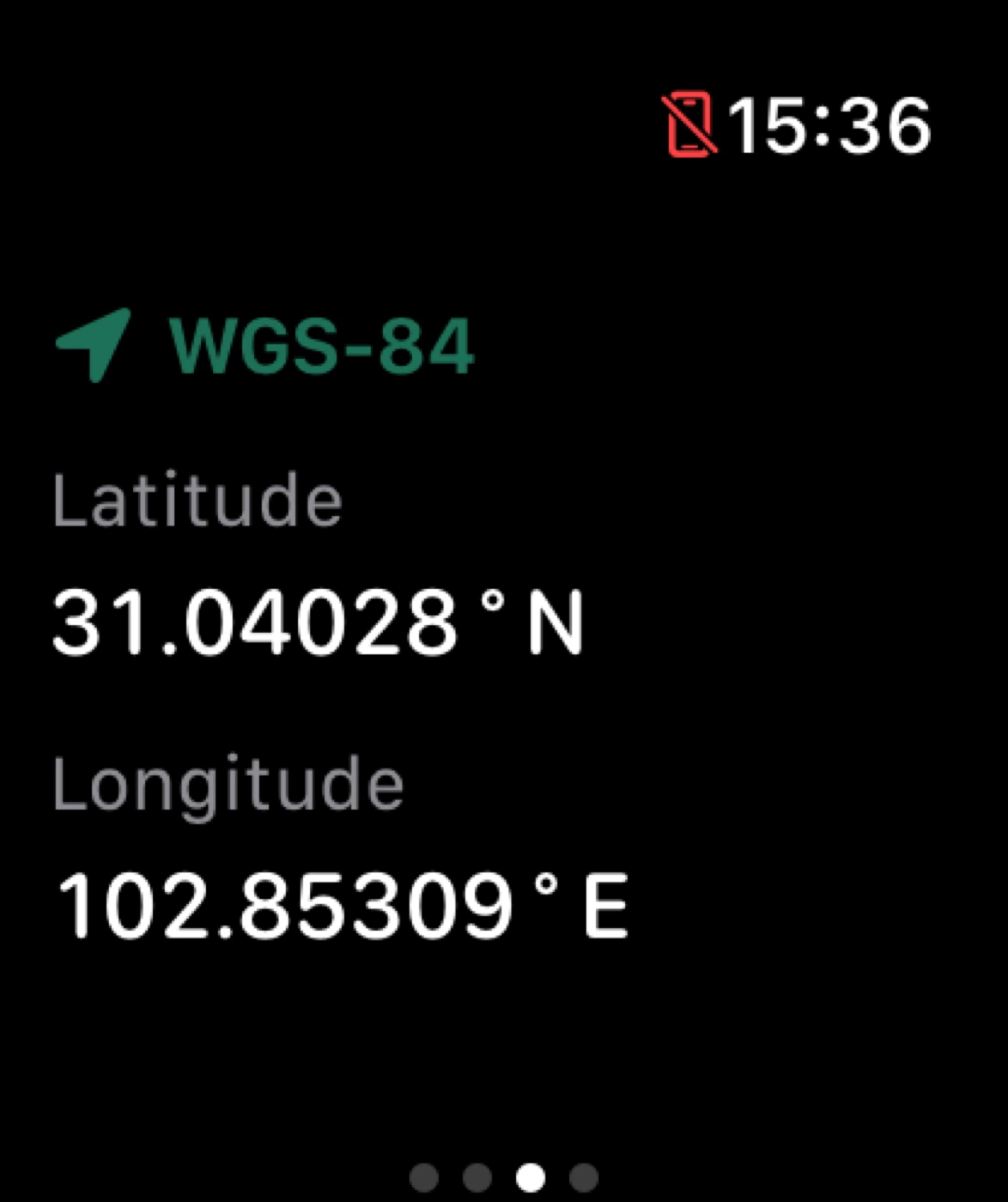
Take a photo or choose one library image as your canvas. Add the current App date, time, place, coordinates, altitude or pressure. Use it for a departure, a viewpoint, an arrival or a personal travel journal.
- Move, resize, rotate or remove watermark elements.
- Adjust text color, background opacity and appearance to fit the image.
- Preview the finished photo, save it to Photos or use the system share sheet.
Classic information and artistic expression
The full collection includes 26 classic designs and 60 artistic watermarks. Start with an information card, a curated design or a blank canvas. Reusable personal styles retain layout and appearance choices for a future creation with current information.
- Classic layouts present place, date and environmental readings clearly.
- Artistic collections offer different approaches to outdoor and travel imagery.
- Logo controls and multiple personal styles support a consistent visual identity.
Current readings are not original photo metadata
A library photo is used as the background. Ordinary photo watermarks use current App time, location and readings, rather than extracting the original photo’s EXIF date, GPS or altitude. To revisit a recorded journey, create a map image from that historical trip.
Make it part of your next outing
- Take a photo or select one image from your library.
- Choose information or a classic or artistic style, then edit its layout.
- Preview, save or share the result, and retain a personal style for later.