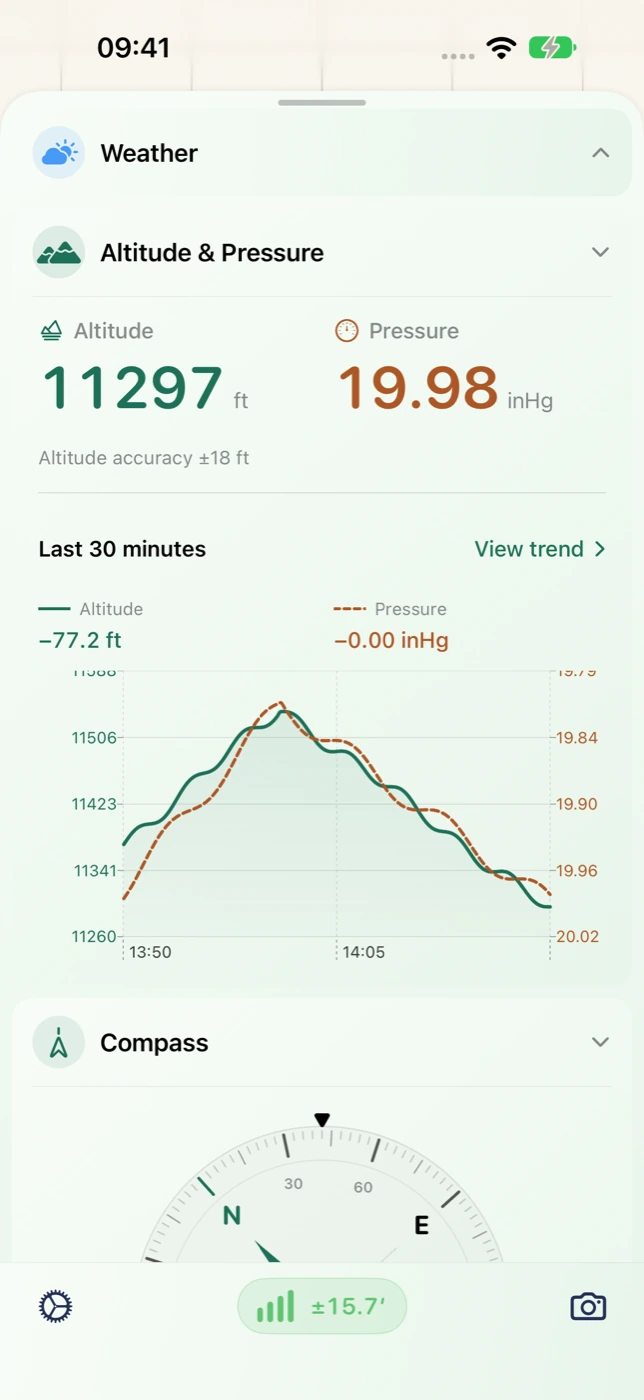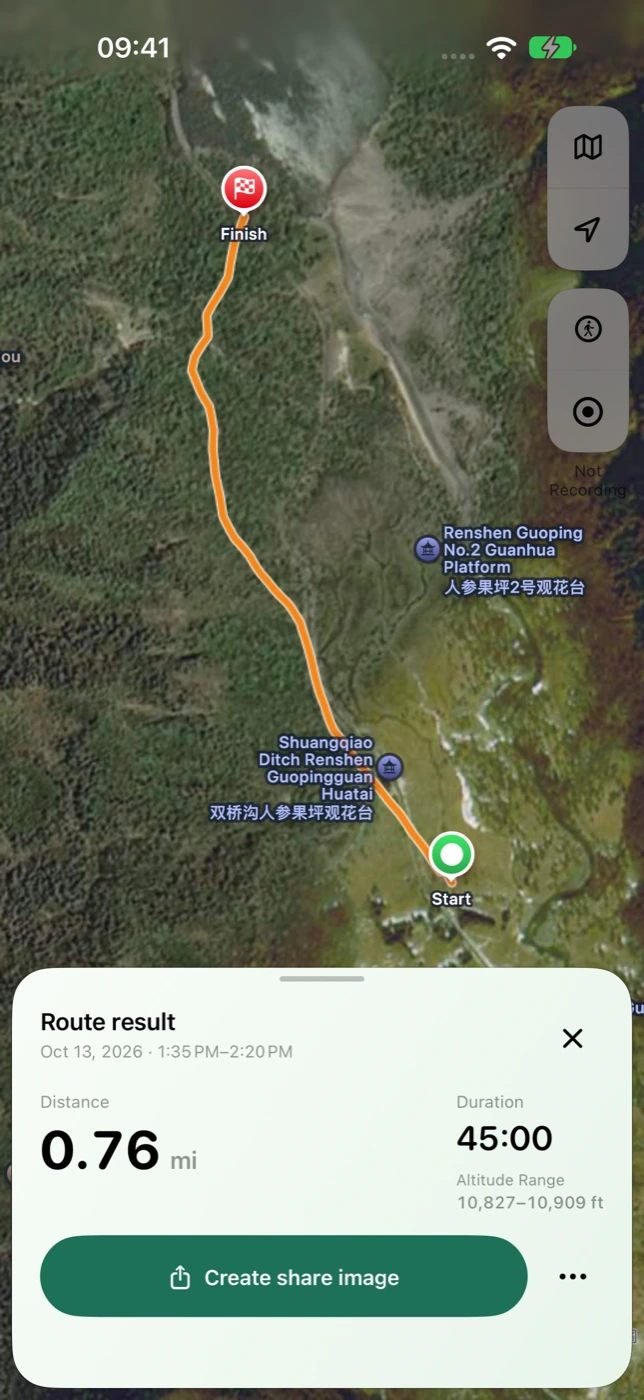

Go from a trend to the saved observations
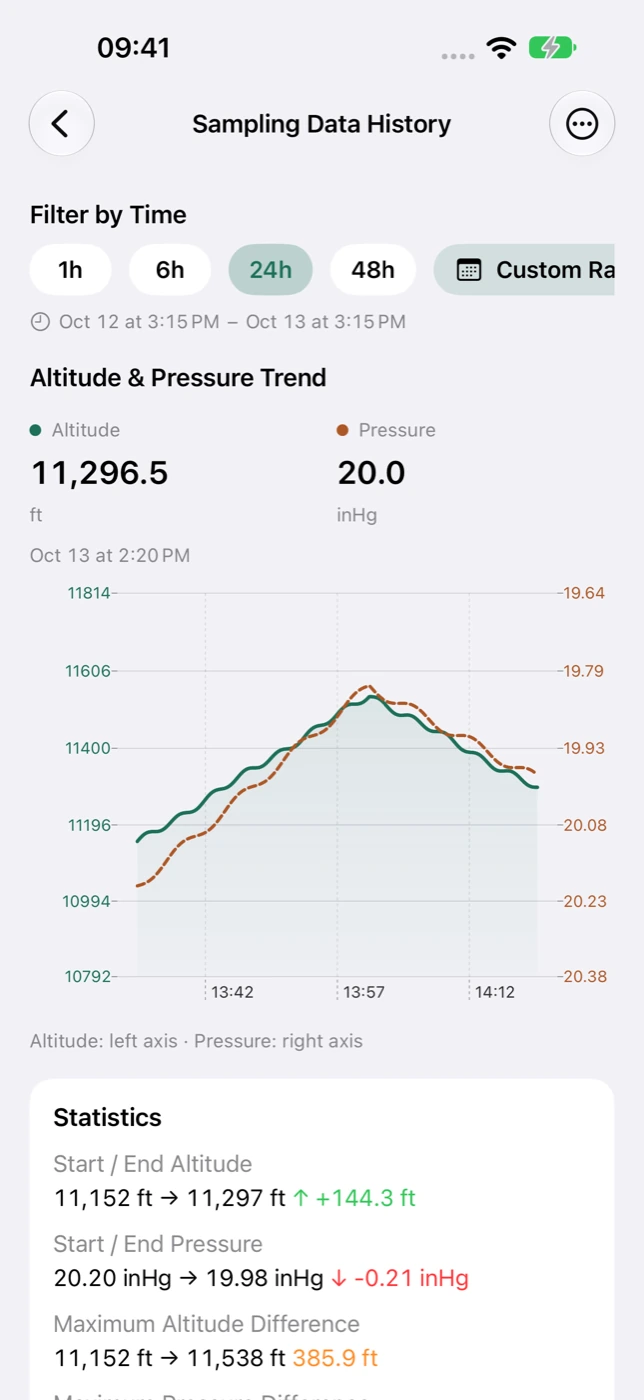
Explore altitude and pressure over a selected time range, then open sample details for available readings, source and accuracy. Speed history adds context to recent movement. The range you can revisit depends on retained local data and available history access, rather than invented observations for unrecorded periods.
- Compare altitude and pressure over the same period.
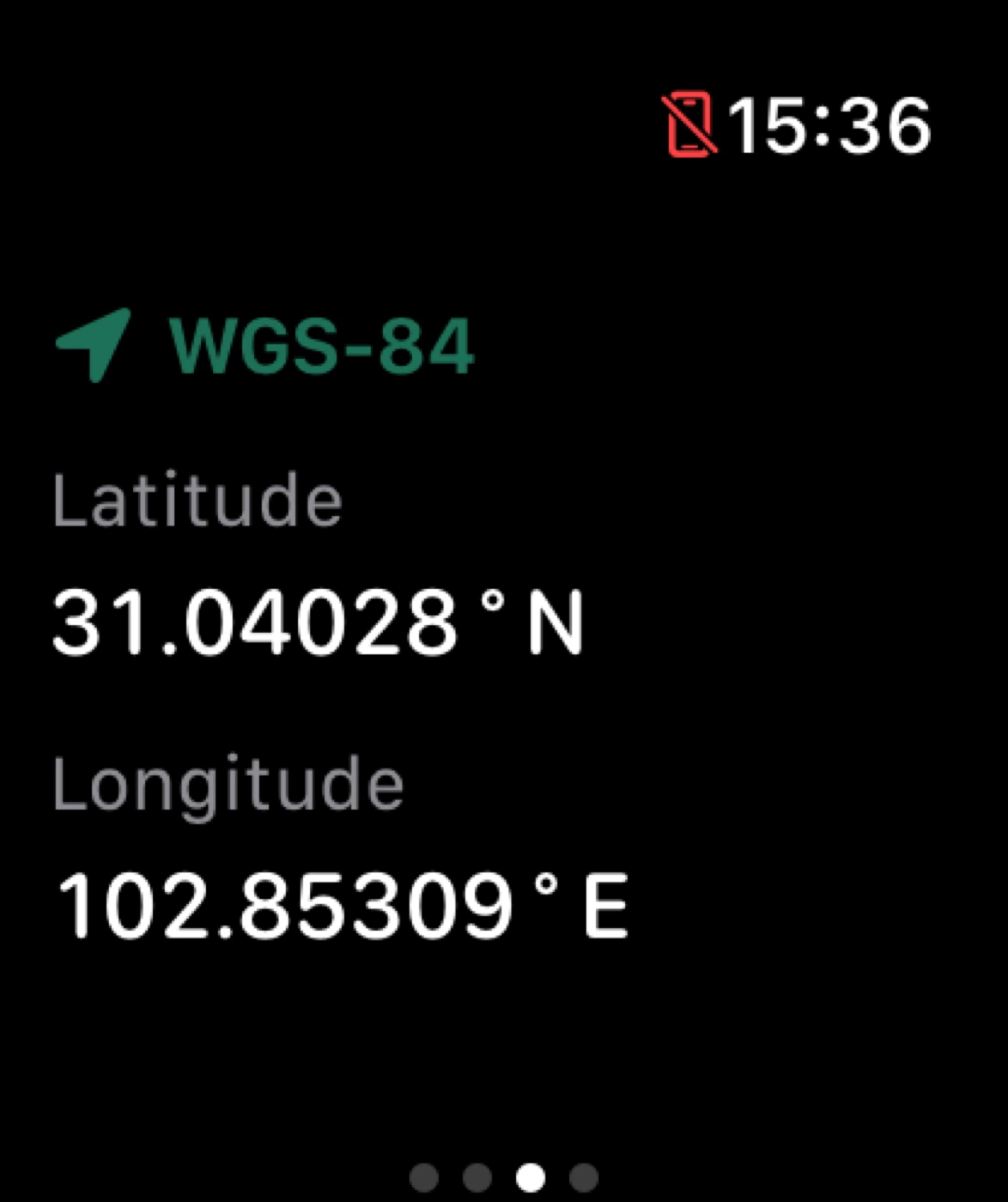
- Inspect saved samples and the location or observation information present.
- Manage local records with deletion and retention controls.
Choose a format for what comes next
CSV works well for spreadsheet organization and sample inspection. GPX retains valid timestamped routes. ZIP brings trip-related files together for an archive. Review the selected range and available content before generating the file.
- CSV: organize observation time and the data fields that exist.
- GPX: retain quality-filtered route segments for compatible tools.
- ZIP: keep related files and explanatory information together.
For reflection, organization and your own analysis
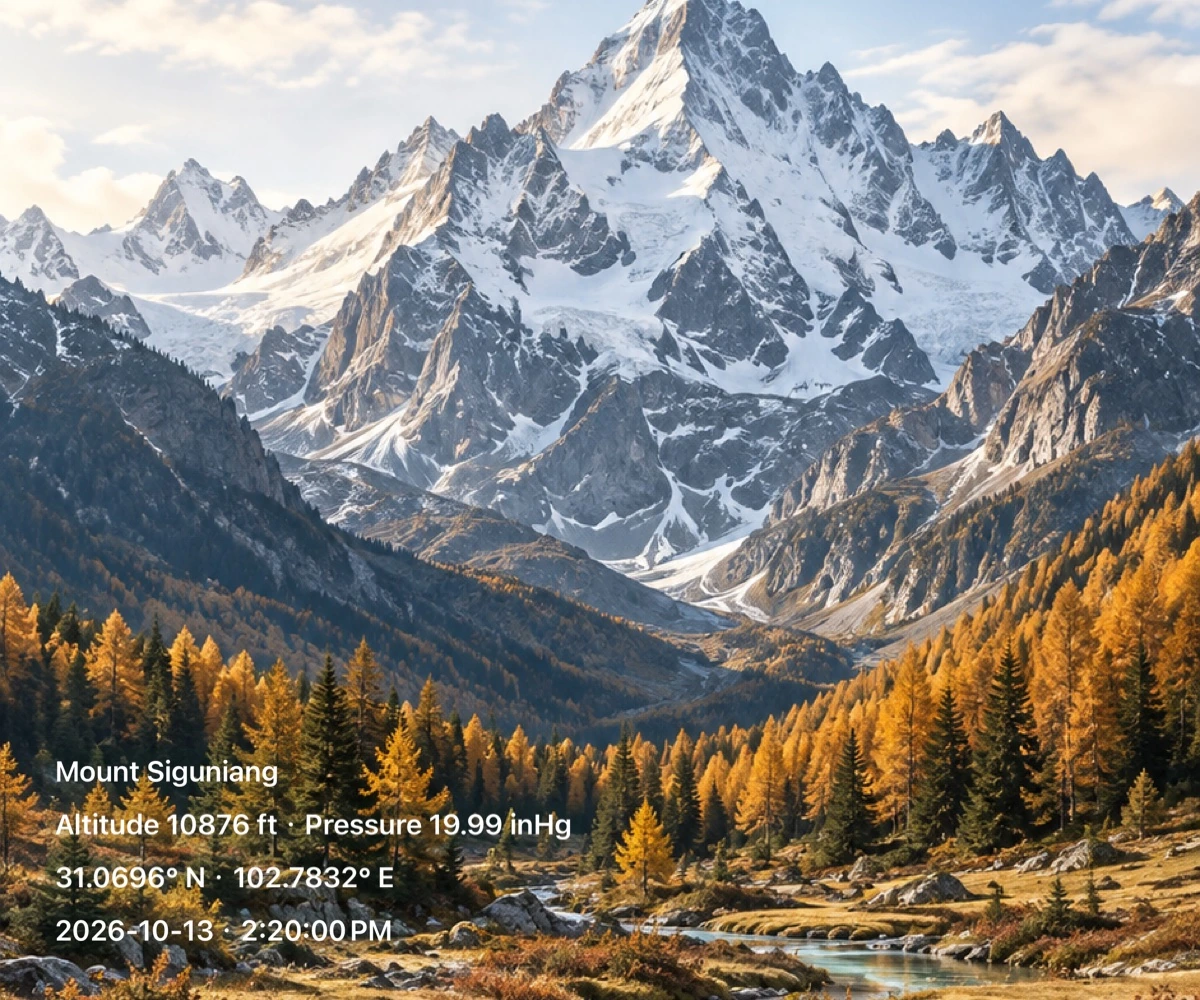
Review altitude changes after a hike, organize routes alongside travel photos, or inspect a period of pressure readings in a spreadsheet. Data files and map images have different purposes: one supports further processing, the other supports memory and sharing. Exports represent retained data, not certified surveying or meteorological measurements. The App also provides current raw details for magnetic field, raw and user acceleration, gravity, gyroscope and pressure. These detail fields are distinct from history and export fields; check the export preview for the available content.
Make it part of your next outing
- Open history or a completed trip and choose the range you need.
- Review trends and samples, then choose CSV, GPX or ZIP.
- Generate the file and save it to your own archive with the system share sheet.